iPhone · iOS 17 or later
MonthLedger
Expenses, budgets and monthly closing.
Record income and expenses, keep track of accounts and credit cards, and review each month. Your ledger is stored on your device.
Download on the App StoreFree · No ads · No subscriptions
Inside the app
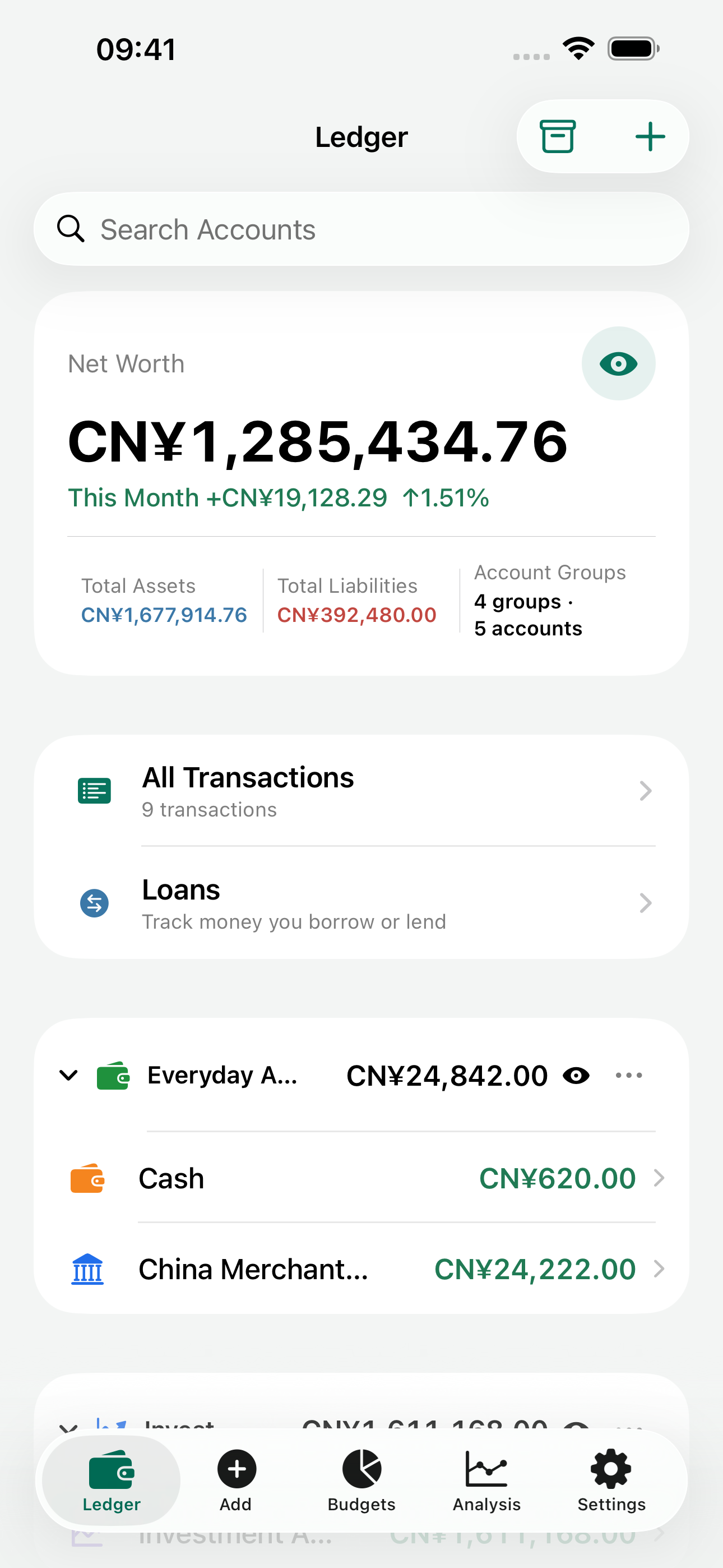
All featuresRecord income and expenses
Enter an amount, choose a category and account, then save. Set defaults for accounts and currencies, and add tags when you need more detail.
- Expenses, income and transfers
- Categories and tags
- Home Screen widgets
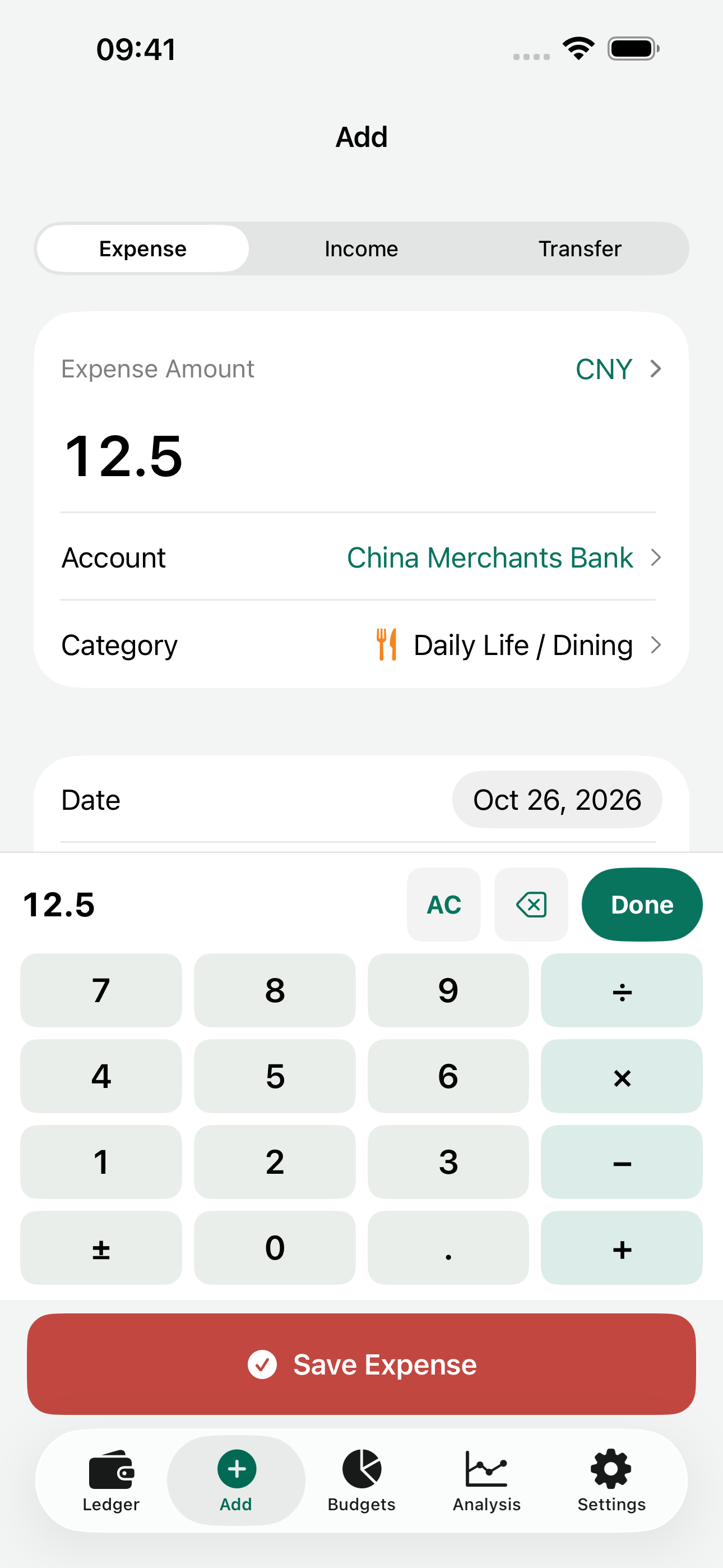
Budget around your statement period
Set a monthly amount and see how much you have spent and what remains. Adjust statement periods and carry unused budget into the next month.
- Monthly budgets
- Custom statement periods
- Budget carryover
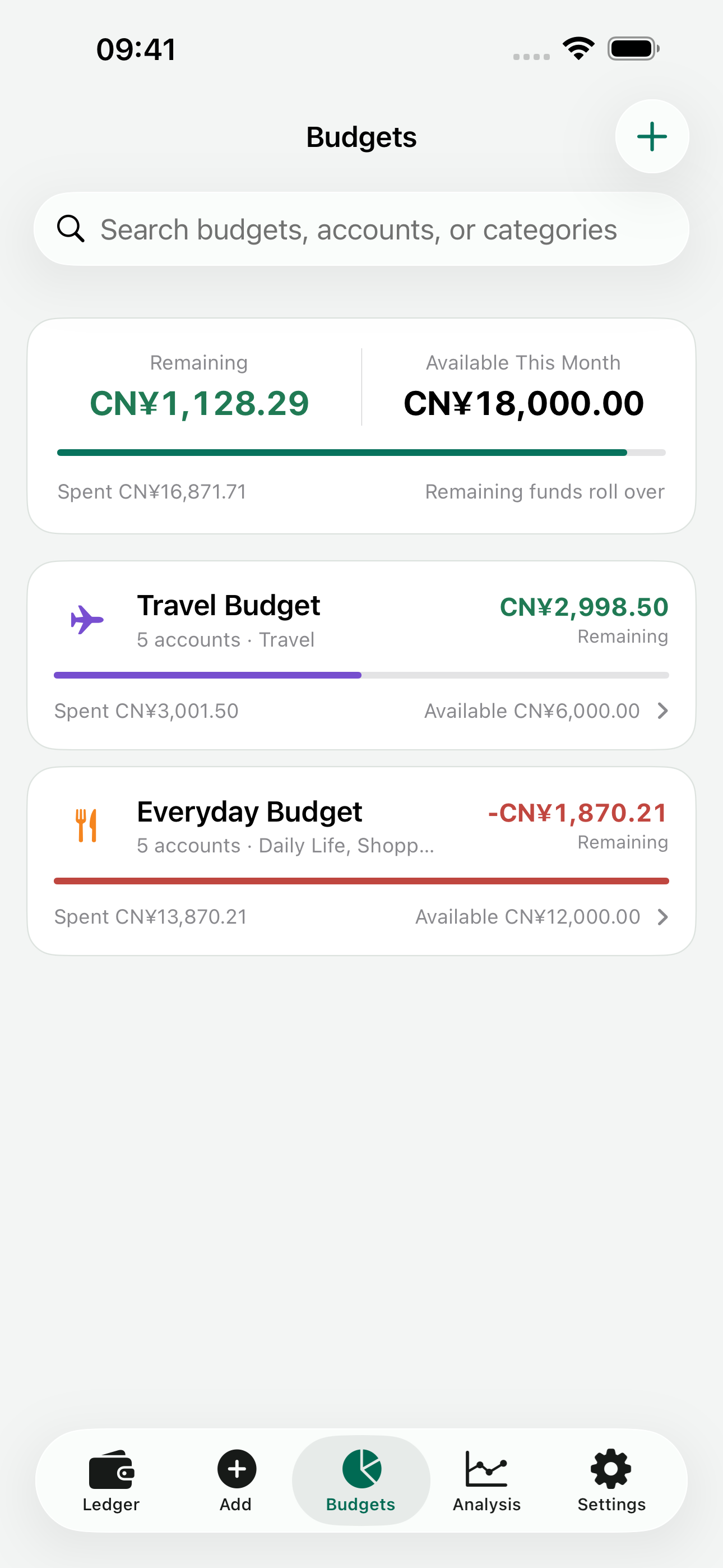
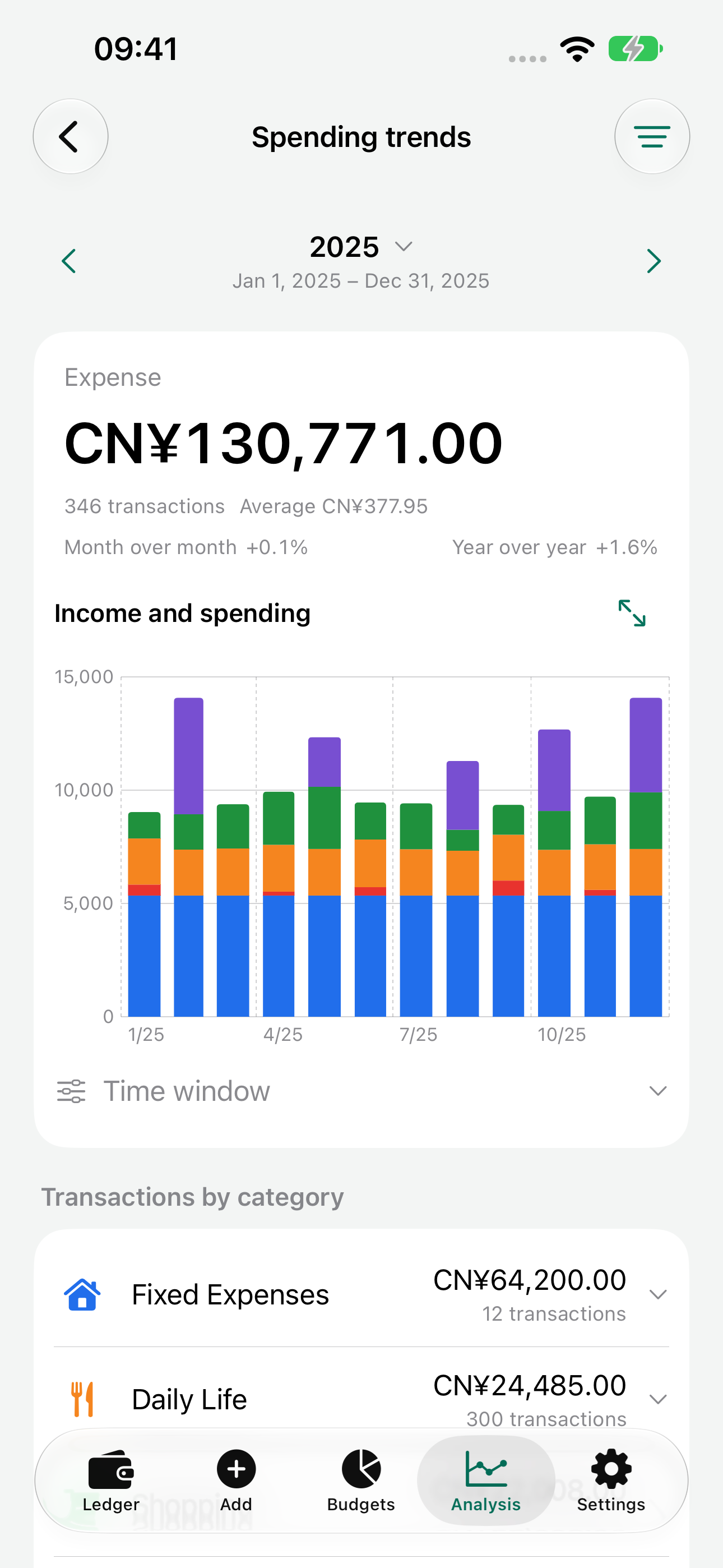
Look back at your spending
Review a month, a year or a custom date range. Break spending down by category, account or tag.
- Income and expense trends
- Category breakdowns
- Custom date ranges
Accounts, closing and backups
- Accounts
- Keep cash, bank accounts and credit cards separate, with a combined view of assets and debts.
- Currencies
- View totals in your base currency. Refresh reference rates online or edit them manually.
- Monthly close
- Review the month’s income and expenses, and changes in net worth.
- Backups and migration
- Import and export CSV, save full JSON backups, or enable optional iCloud file backups.
Where is the ledger stored?
On your device. No registration is needed, and the developer cannot read your ledger. Export your own backups or enable iCloud file backups. Online rate requests do not include ledger content.
Read the privacy policy